

Par J.Fau– TheExpert Cybersécurité chez SQUAD
Description : Le but est de mettre en place un serveur permettant d’évaluer la bonne implémentation des certificats SSL des serveurs accessibles depuis internet.
L’avantage de ce script est de pouvoir fournir un fichier d’entrée avec l’ensemble des URLs à scanner. L’ensemble des URLs seront soumises aux tests de sécurité de l’API QUALYS. Lorsque le scan sera terminé vous obtiendrez un fichier CSV facile à lire et à réutiliser pour manipuler les données dans un tableur.
Ce tutoriel a été réalisé sous la version suivante : CentOS Linux release 7.6.1810 (Core)
Prérequis :
- Serveur CentOS 7 minimal installation
- Connexion à internet à partir du serveur
- Disposer d’un accès à privilège « root » ou « sudo » sur le serveur
- Disposer d’un compte utilisateur sur le serveur
Source :
Script original non fonctionnel en l’état
https://github.com/moheshmohan/pyssltest/blob/master/pyssltest.py
Ne pas utiliser le lien ci-dessus dans le cadre de ce tutoriel
/!\ Engagement et responsabilité /!\
Vous êtes seul responsable de l’utilisation de ce script et des conséquences et actions que vous pourrez initier suite à l’utilisation de cette solution. Même si le script n’effectue aucune action intrusive ni destructive sur les cibles en aucun cas l’auteur du script ou l’auteur de ce tutoriel ou SQUAD ne pourra être tenu responsable des dommages directs ou indirects suite à l’utilisation de ce tutoriel.
Configuration du serveur CentOS
Actions à réaliser avec les privilèges "root" ou équivalents
Mise à jour du serveur
yum -y update
Configuration du dépôt tiers EPEL (Extra Packages for Enterprise Linux)
yum -y install epel-release
Installation du package « python-pip »
yum -y install python-pip
Installation du module « unirest » pour « PIP »
pip install unirest
Mise à jour de PIP
pip install --upgrade pip
Vérifier la version de « PIP »
pip --version
pip 19.0.1 from /usr/lib/python2.7/site-packages/pip (python 2.7)
Vérifier la version de « Python »
python -V
Python 2.7.5
Installation du package « wget »
yum -y install wget
La configuration du serveur est terminée.
Configuration de l’espace de travail
Actions à réaliser avec un compte utilisateur
Authentifiez vous avec votre compte utilisateur au serveur.
Créer un répertoire de travail
mkdir scanssl
Se placer dans le répertoire de travail
cd scanssl
Récupérer le script
wget "https://tinyurl.com/scanssl"
Ajouter l’extension python au script
mv scanssl scanssl.py
Ajouter le droit d’exécution sur le fichier
chmod +x scanssl.py
Créer le fichier contenant les URLs à scanner
touch inputurl.txt
Renseigner les URLs cibles
vi inputurl.txt
Appuyer sur la touche « Insert » ou « Ins » pour passer en mode édition du fichier. Vous devez indiquer une seule URL par ligne. Vous pouvez mettre autant d’URLs que vous voulez.
Appuyer sur la touche « Echap » ou « Esc » pour quitter le mode édition puis appuyer sur « : » suivi de « wq! » + appuyer sur la touche « Entrée » pour quitter et sauvegarder.
Exécuter le script
./scanssl.py -i inputurl.txt -o outputurl-31-01-2019.csv -n
Ne pas oublier le « -n » pour ne pas publier le résultat sur le site QUALYS
Appuyer sur la touche « Entrée »
There are 1002 Urls read from the File
No of URLs is identified is 1002
No of domains is 1002
Press Enter to continue...
Appuyer sur la touche « Entrée » pour commencer les scans
There are 902 pending
There are 0 Invalid
There are 0 errors
There are 0 ready
There are 101 Threads
Lorsque les scans seront terminés, vous trouverez dans le répertoire de travail les éléments suivants :
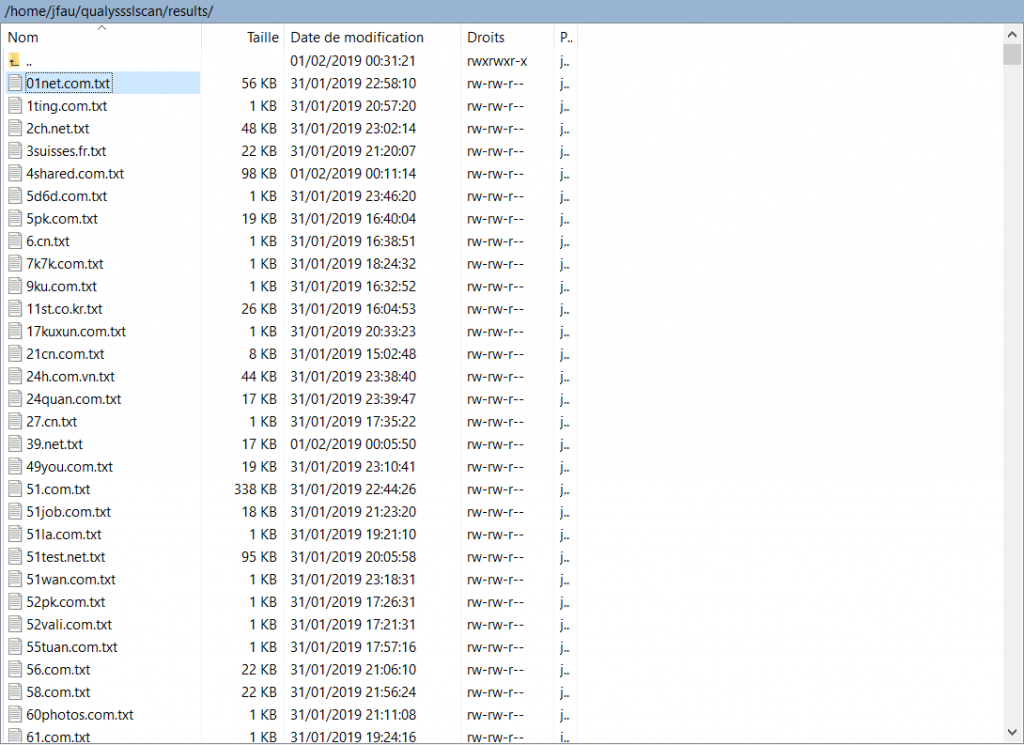
Un répertoire « results » qui contient pour chacune des URLs un fichier texte regroupant l’ensemble des résultats pour chaque test effectué.
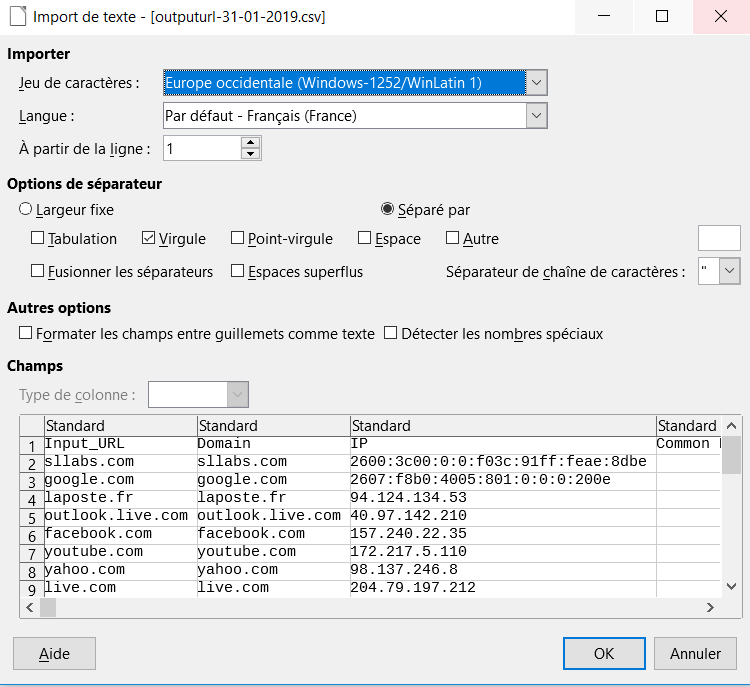
Vous trouverez également le fichier de résultat global au format CSV dans notre cas « outputurl-31-01-2019.csv »
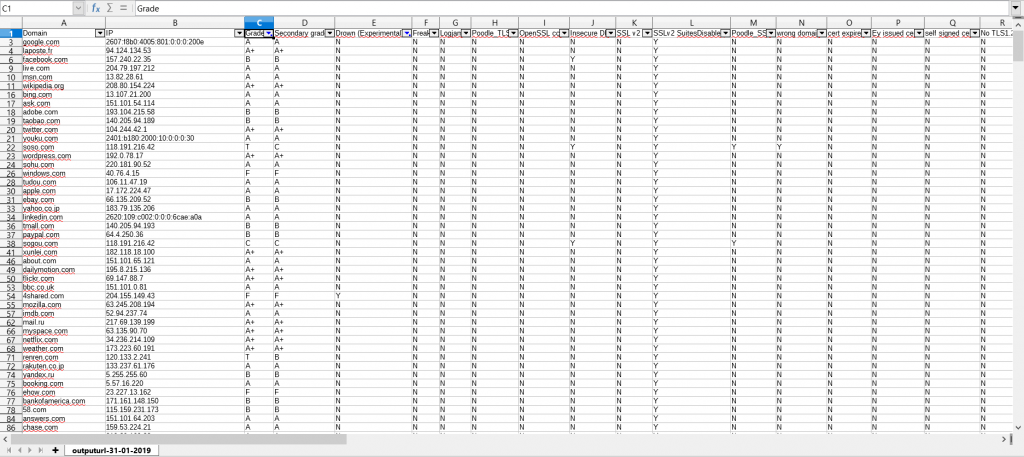
Après un peu de mise en forme à l’aide des filtres vous pouvez obtenir le résultat suivant :
Pour récupérer les fichiers en local sur votre poste de travail vous pouvez utiliser WinSCP si vous êtes sous Windows ou alors utiliser la commande SCP si vous êtes sous Linux.
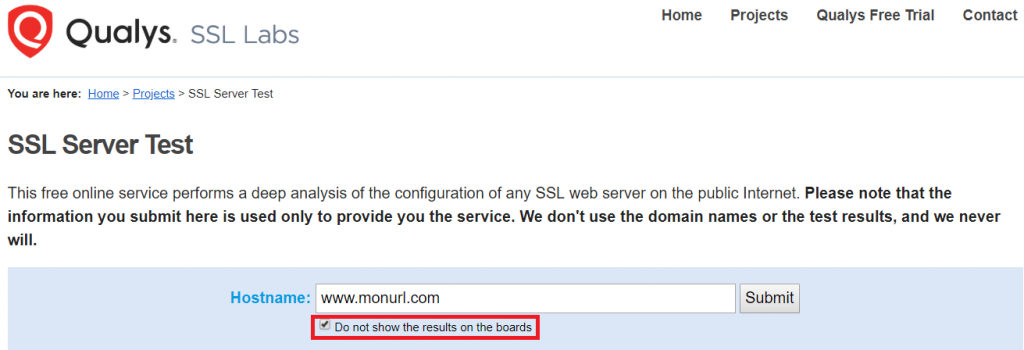
Si le résultat d’une URL attire particulièrement votre attention et que vous voulez plus de détails je vous conseil de réaliser un scan complémentaire à l’adresse suivante : https://www.ssllabs.com/ssltest/index.html https://www.ssllabs.com/ssltest/index.html
Merci pour votre lecture 😊
Bon scan à tous
