

With the rise in popularity of various Copilot tools, I thought it would be interesting to take some time to talk about Copilot for Security. It's a tool that I find incredible, and I thought, why not write one or more articles about it?
The first thing to know is that Copilot for Security has been in general availability since April 1, 2024.
What is Copilot for Security?
Microsoft Copilot for Security (Copilot for Security) is an AI-powered generative security solution that increases the efficiency and capabilities of defenders to improve security outcomes at machine speed and scale.
Copilot for Security offers a natural language assistant experience. Copilot for Security assists security professionals in end-to-end scenarios such as incident response, threat hunting, intelligence gathering, and posture management.
Pricing
Let's talk about budget. Using Copilot for Azure incurs a cost based on capacity in Security Compute Units (SCUs):

Use cases?
Copilot for Security focuses on ease of use for the following highlighted use cases:
Summary of incidents
Gain context for incidents and improve communication within your organization by leveraging generative AI to quickly distill complex security alerts into concise, actionable summaries, which then enable faster response times and simplified decision-making.
Impact analysis
Use AI-driven analytics to assess the potential impact of security incidents, providing insights into affected systems and data to effectively prioritize response efforts.
Reverse engineering of scripts
Eliminate the need to manually reverse engineer malware and enable every analyst to understand the actions performed by attackers. Analyze complex command-line scripts and translate them into natural language with clear explanations of the actions. Efficiently extract and link indicators found in the script to their respective entities in your environment.
Guided response
Receive actionable step-by-step instructions for incident response, including instructions for triage, investigation, containment, and remediation. Relevant links to recommended actions enable a faster response.
More information here: What is Microsoft Copilot for Security? | Microsoft Learn
Who can create Copilot for Security?
TheSecurity Administrator and Global Administrator rolesin Microsoft Entra ID automatically inherit theCopilot Owner rolein Copilot for Security. These roles are used to integrate Copilot for Security into your organization.
Who can use Copilot for security?
Copilot Owner: This role is required to configure settings, assign permissions, and perform tasks within Copilot for Security.
Copilot Contributor: By default, all users in the Microsoft Entra tenant are assigned this role, which allows them to create sessions and access the Copilot platform.
Deploy Copilot for security?
Now we're going to deploy Copilot for Security.
First, go to the Azure portal and allocate capacity to Copilot for Security:
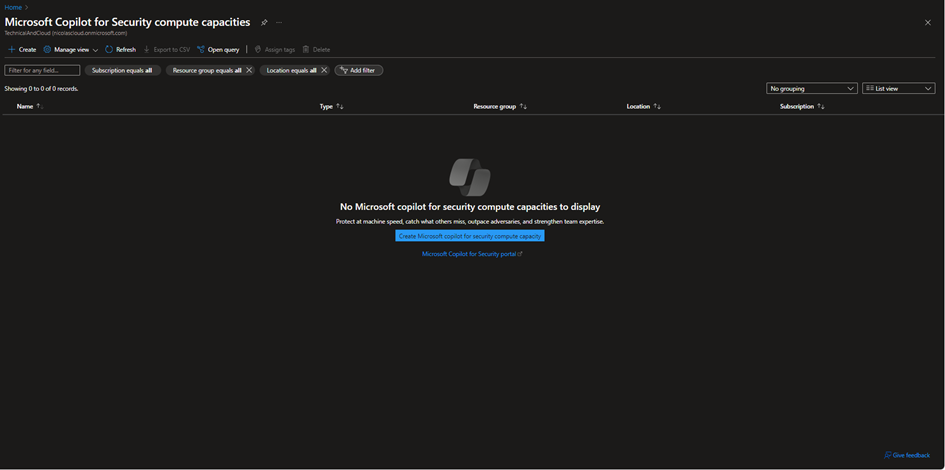
We will create the resource:
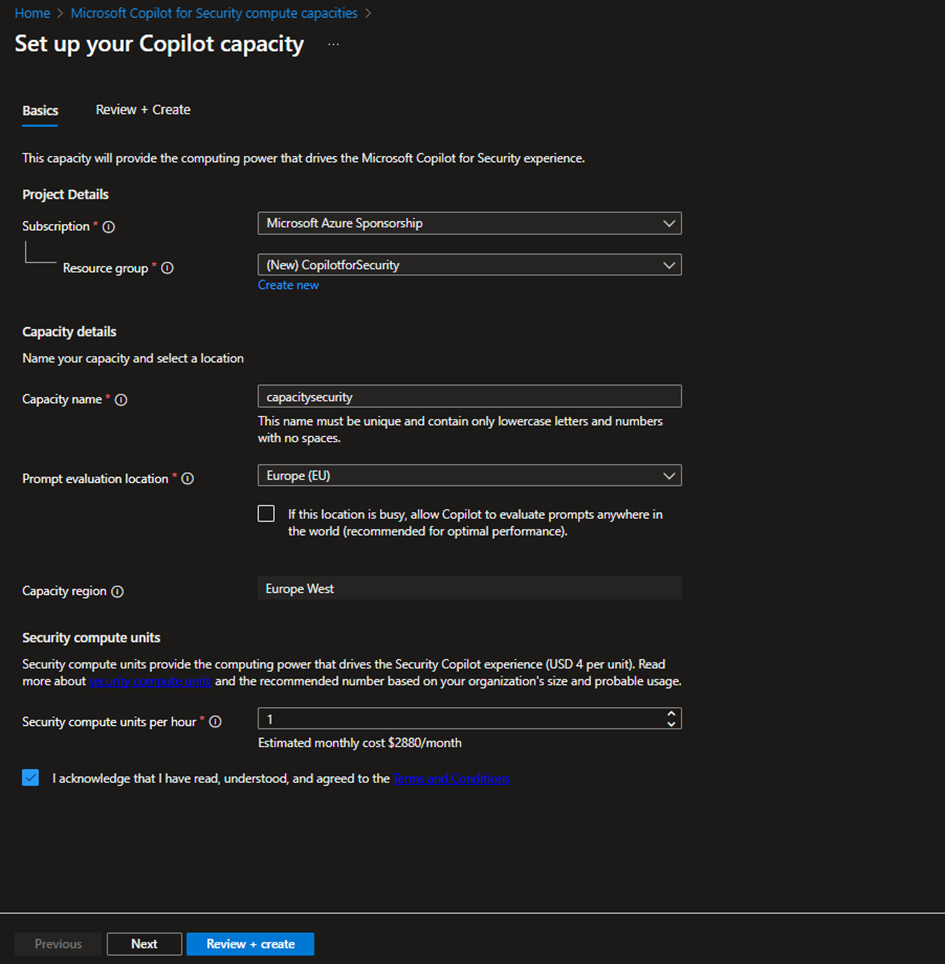
More information:
Security Compute Units : Security computing units are the resource units required to ensure the reliability and consistency of Microsoft Copilot for Security performance.
Copilot for Security is sold on a provisioned capacity model and billed by the hour. You can provision Security Compute Units (SCUs) and scale them up or down at any time. Billing is calculated on an hourly basis with a minimum of one hour.
Capacity: In the context of Copilot for Security, capacity is an Azure resource that contains SCUs. SCUs are provisioned for Copilot for Security. You can easily manage capacity by increasing or decreasing the provisioned SCUs in the Azure portal or the Copilot for Security portal. Copilot for Security provides a usage monitoring dashboard to Copilot owners, allowing them to track usage over time and make informed decisions about capacity provisioning.
Region: Copilot for Security is currently only available in East Australia, West Europe, South UK, and East US.
More information: Get started with Microsoft Copilot for Security | Microsoft Learn
Once the information has been entered, we need to create the resource.
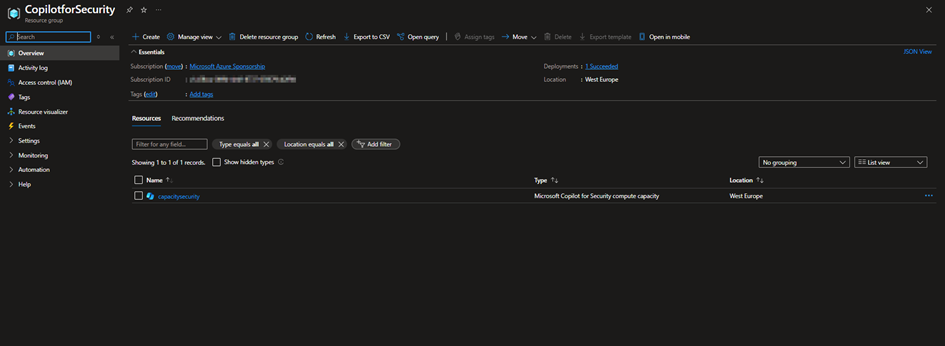
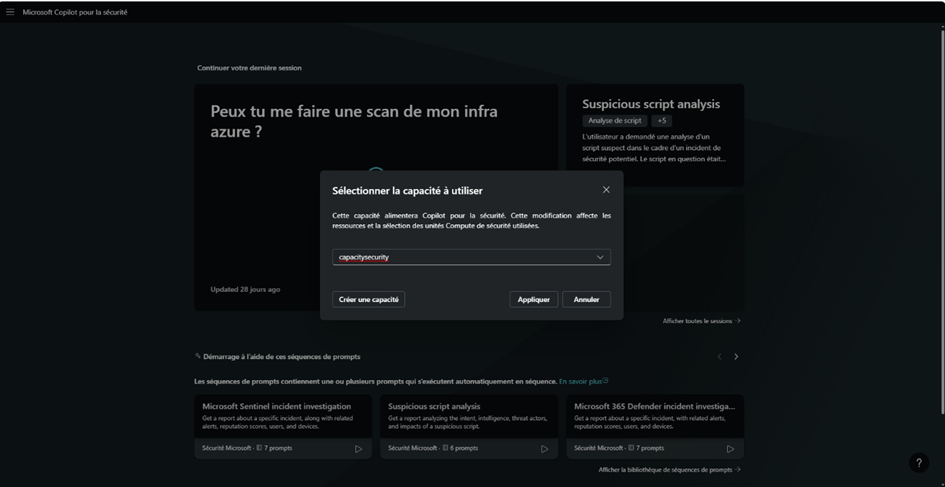
Once this step is complete, we will finalize the integration via the Copilot for Security portal:
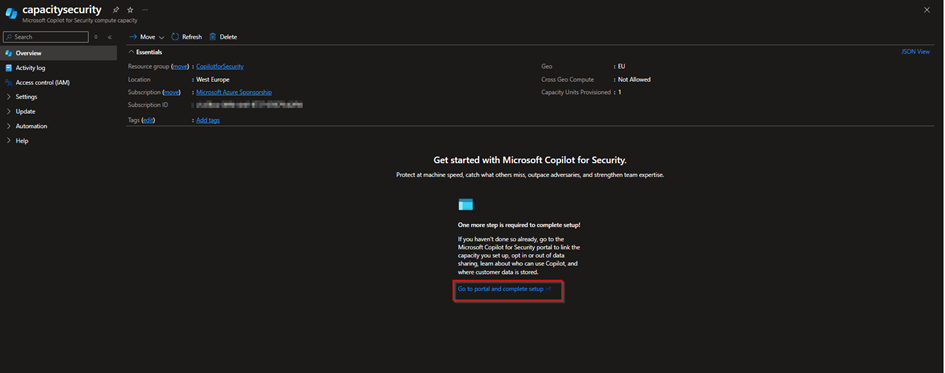
Choosing the right capacity:
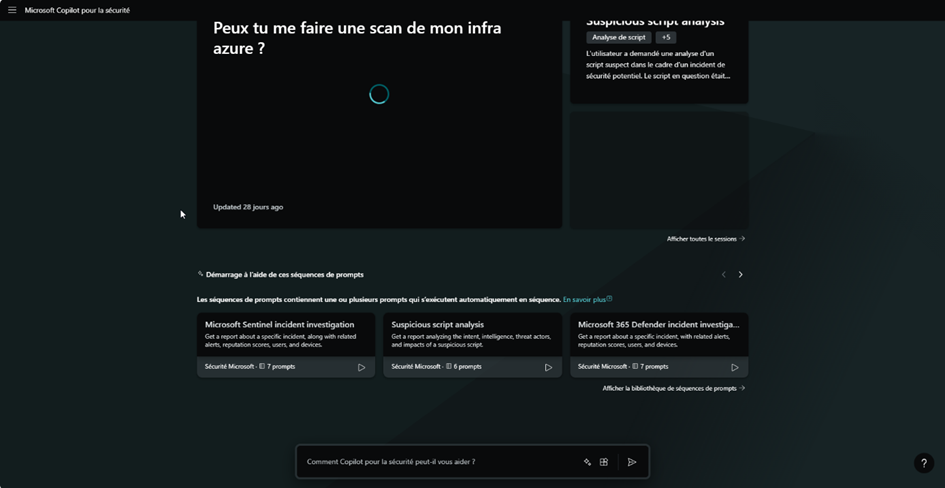
And you have access to Copilot for security reasons:
In future articles, we will look at how to use Copilot for security. In any case, stay tuned and see you soon.
