
A few months ago, we watched " What is Azure Arc? "
What needs can this Azure service meet? How can it be implemented? If you would like to learn more, please refer to my previous article, which explains this: Successful integration with Azure ARC
Today, I want to highlight Azure Arc Jumpstart!
Azure Arc Jumpstart: Quick Start Scenarios
Azure Arc Jumpstart is a collaborative open-source site in partnership with Microsoft. They provide scenarios and scripts that allow end users to test different services directly in Azure. This makes it possible to quickly remove them, thus avoiding "polluting" our infrastructure.
Azure Arc Jumpstart deployment
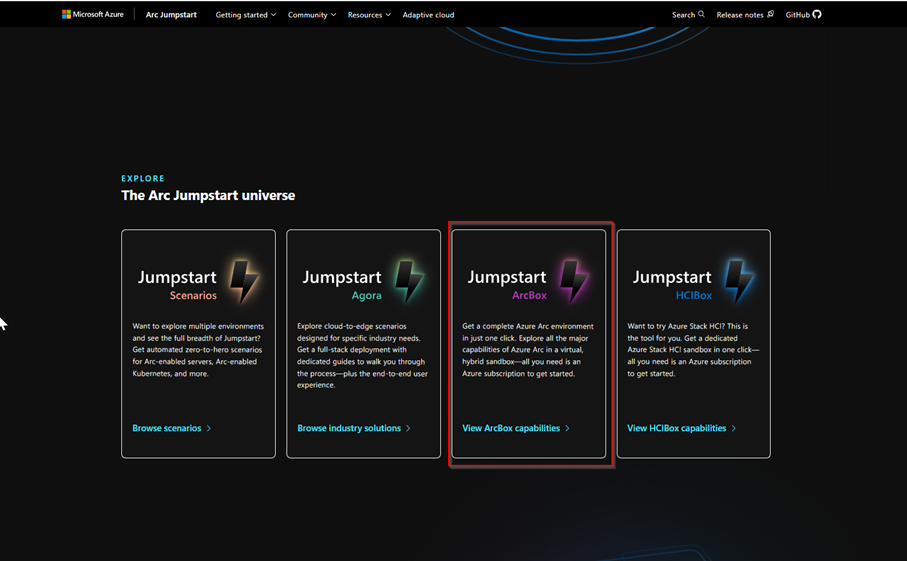
We will go to the Azure Arc Jumpstart website and select JumpStart ArcBox:
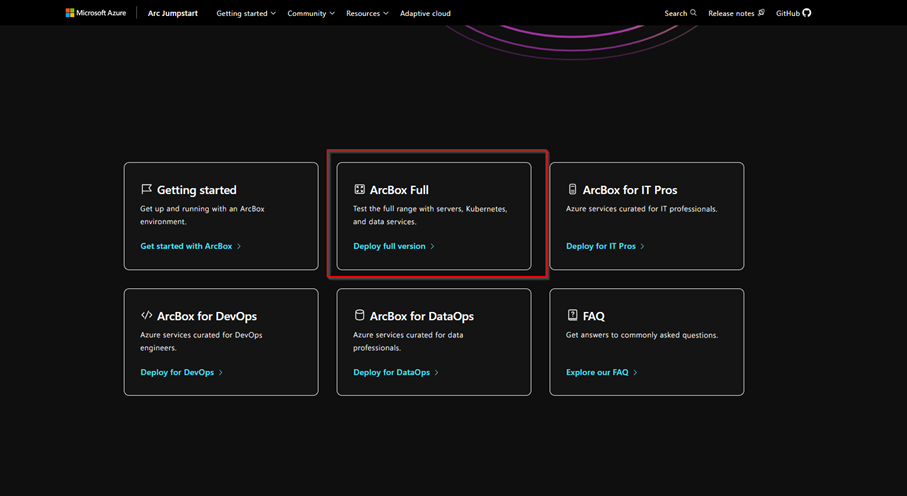
And we will select ArcBox Full:
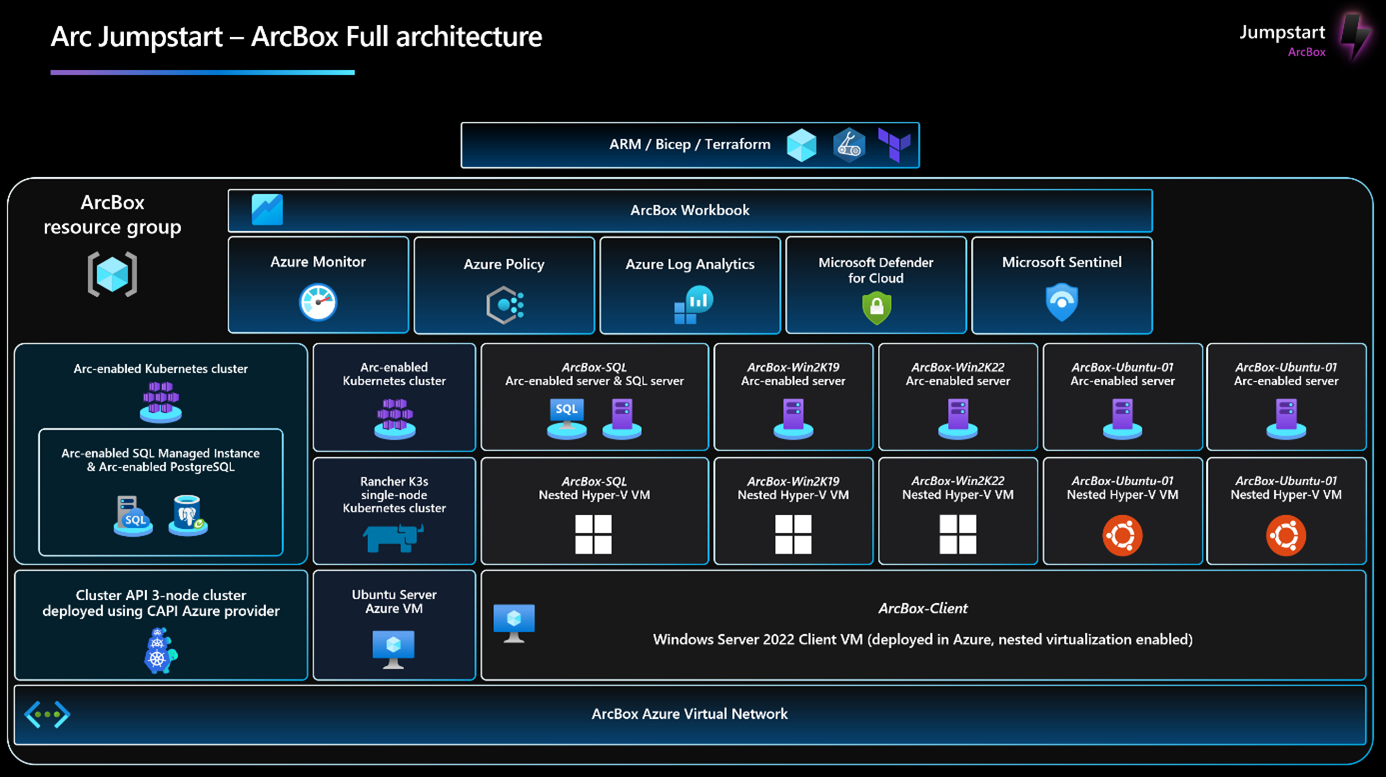
We arrive at a page that explains the solution:
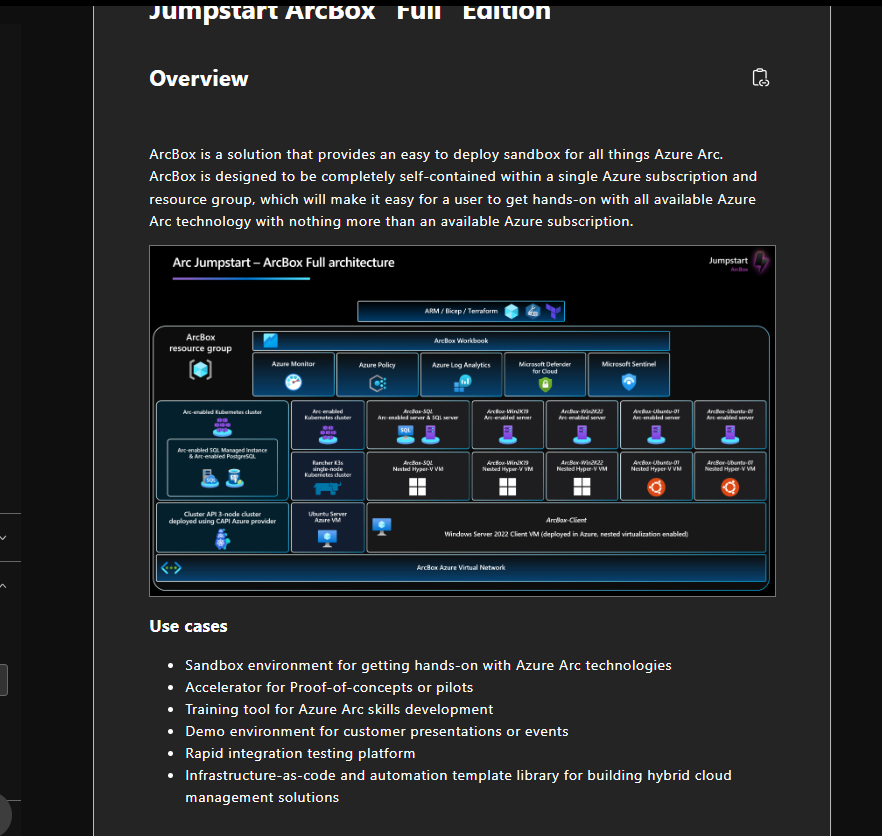
Before you begin, it is essential to fulfill a few prerequisites, including installingAzure CLI and having sufficient quota available for creating test virtual machines.
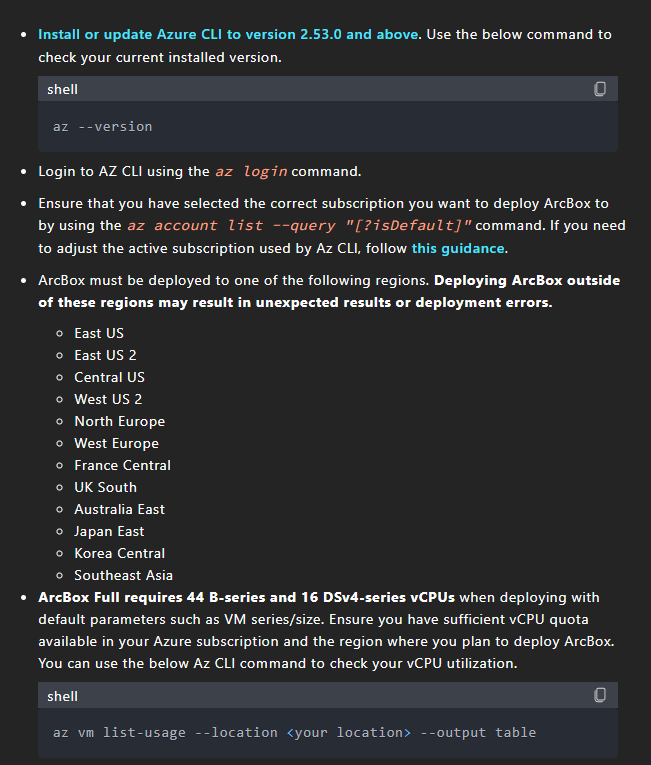
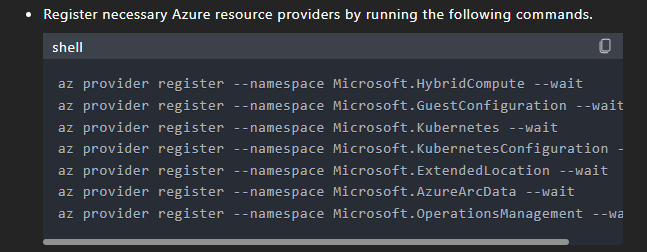
Also remember to register the various Azure Providers:
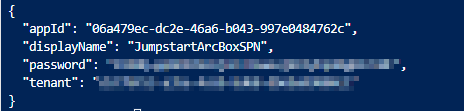
Once these steps have been verified and applied, we will create a main service:
az ad sp create-for-rbac -n "JumpstartArcBoxSPN" --role "Owner" --scopes /subscriptions/XXXX-XXX-XXX-XXX

We then create an SSH key for Linux machines:
ssh-keygen -t rsa -b 4096
We go to the backup directory of the SSH key:

And let's open the public file:

Once these settings have been retrieved, we will be able to deploy.
To retrieve the Azure Custom Deployment, go to this link:CustomDeployment
And let's click on Deploy to Azure:
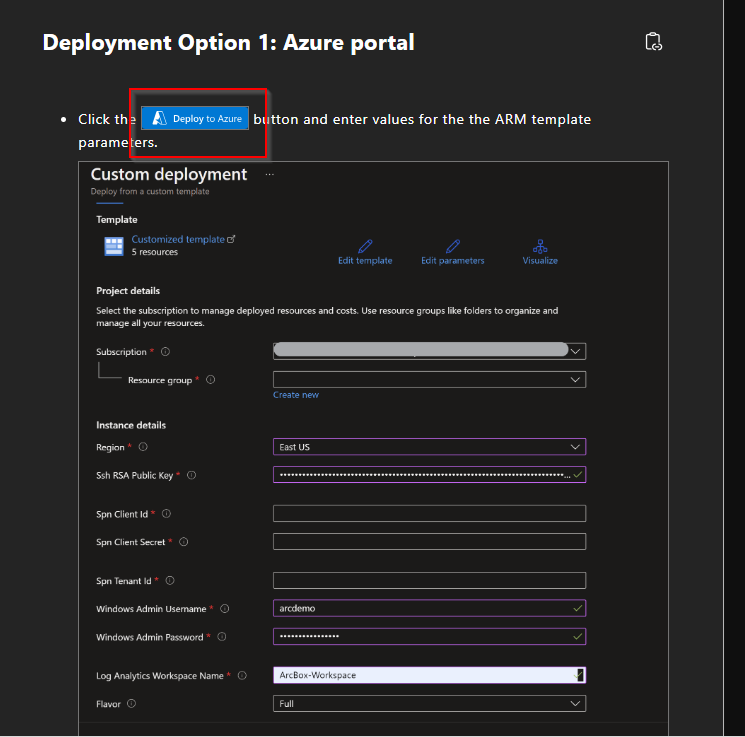
We must fill in the associated fields:
- sshRSAPublicKey – SSH Public Key
- spnClientId – Service Principal ID
- spnClientSecret – Primary Service Secret
- spnTenantId – Azure AD tenant ID
- windowsAdminUsername – Windows administrator name
- windowsAdminPassword – Windows administrator password
- logAnalyticsWorkspaceName – Log analytics name
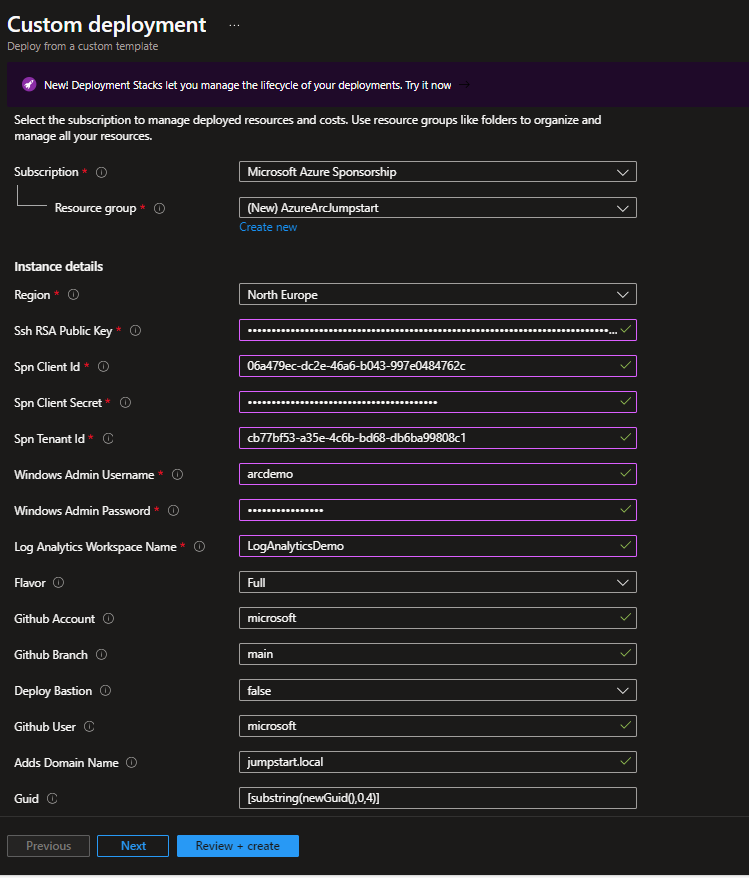
And we deploy!
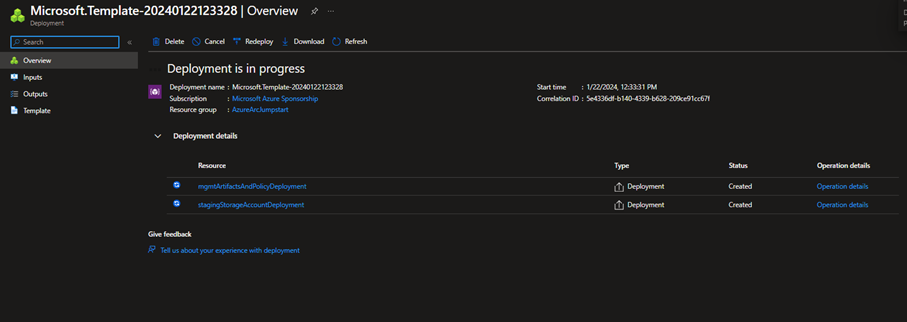
After several minutes, deployment is complete, and the VMs have been successfully created.
We will go to ArcBox-Client and launch it:
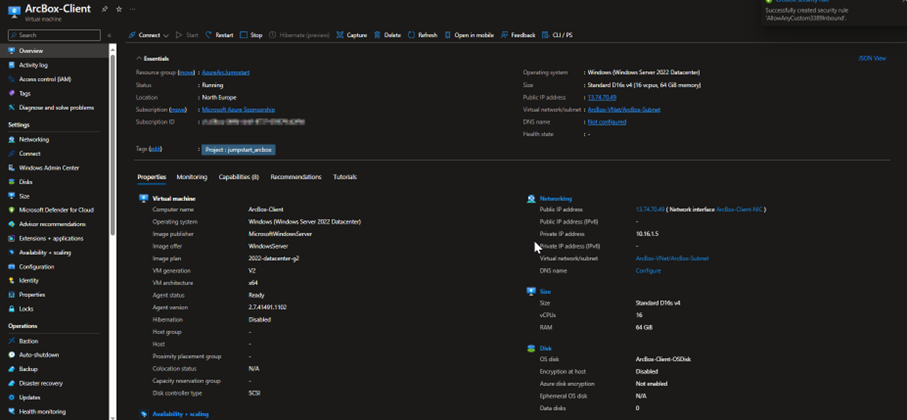
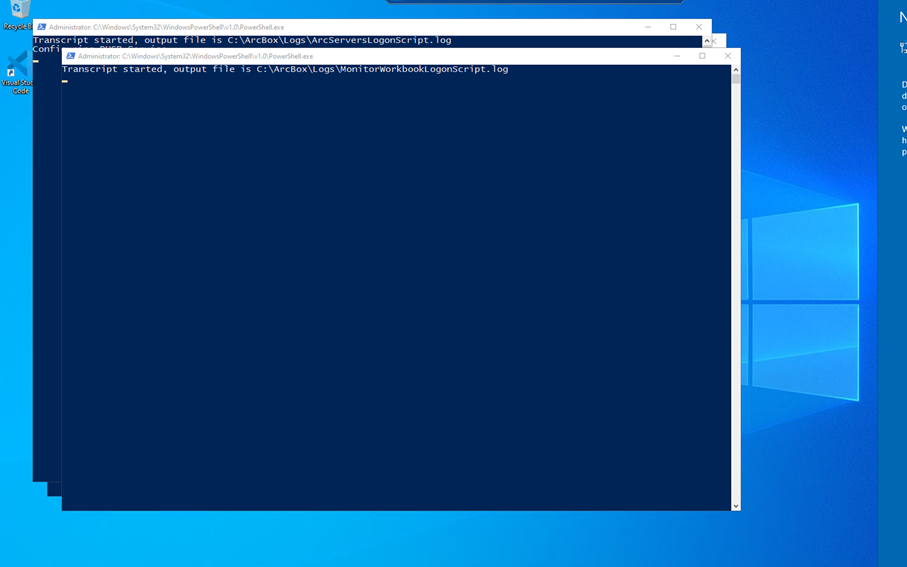
When starting up, PowerShell pages will launch.
You must not delete them and let the configuration run its course!
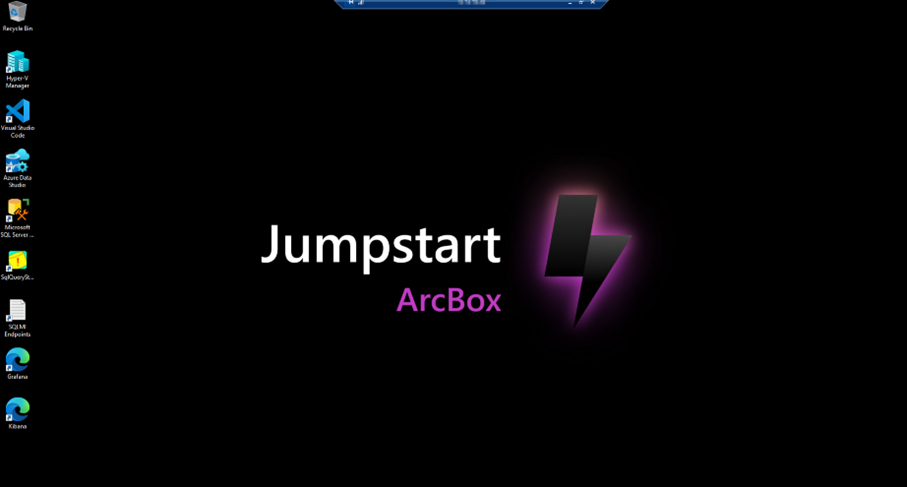
Once the wallpaper has been changed, the configuration is complete.
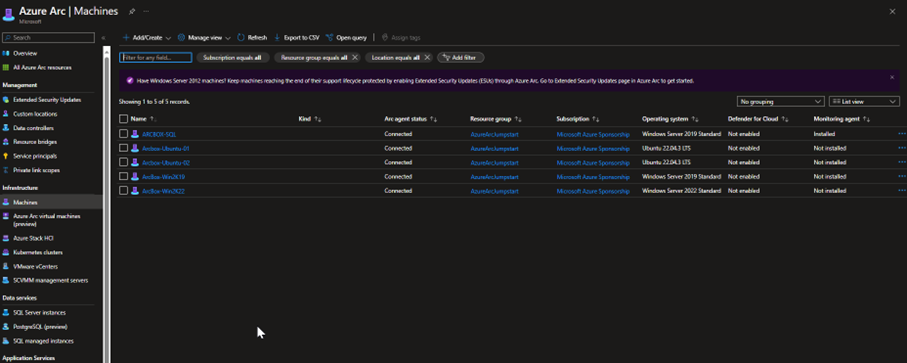
And we can see in Azure Arc that the servers are up and running and that everything seems to be configured.
That's it! The sandbox environment has been created, and you can explore all the magic of Azure Arc with Azure Arc Jumpstart.